Apple Ads vs Google App campaigns vs Meta: where to spend your first $500
Each install channel works differently and reports installs differently. How to work out what an install is worth to you, the free work to do first, which channel to start with, and how to judge it without waiting months.
6 min read
You've shipped your app to the App Store, maybe Google Play too. Downloads are a trickle, mostly friends. You have $500 you're willing to spend to find out whether ads can grow it.
Spent badly, $500 buys a few hundred installs and no answers. Spent well, it tells you what an install costs, which channel brings people who pay, and whether ads can ever work for your app. Here's how to spend it well.
Before any ad: work out what an install is worth
Every install channel lets you set a target cost per install (CPI). Most first-time advertisers guess it. Don't. Work it out from four numbers you already have in RevenueCat or App Store Connect:
- Trial start rate: the share of new installs who start a trial or a purchase.
- Trial-to-paid rate: the share of trials that become paying subscribers.
- What a subscriber pays you after the store's cut. Apple's Small Business Program and Google Play both take 15% for most small developers (on the first $1 million a year, and on subscriptions on Google Play), so a $4.99 subscription is about $4.24 to you.
- How many months a subscriber stays, on average.
Multiply them, and you have what an install is worth. An example:
| Number | Example |
|---|---|
| Installs that start a trial | 8% |
| Trials that convert to paid | 40% |
| Monthly price after a 15% cut | $4.24 |
| Months a subscriber stays | 5 |
| Value of one subscriber | $4.24 × 5 = $21.20 |
| Value of one install | 8% × 40% × $21.20 = $0.68 |
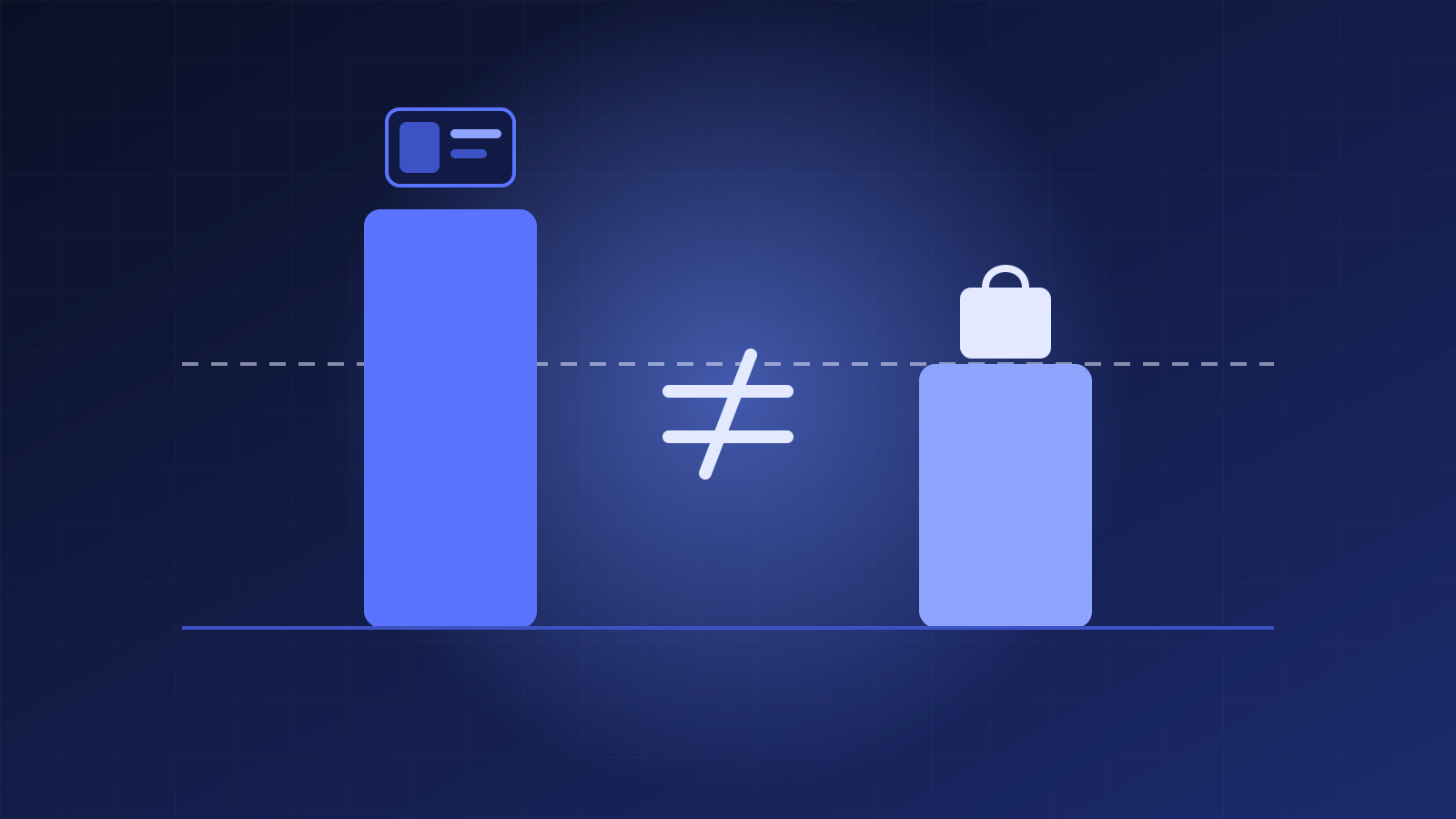
If an install is worth $0.68 and the cheapest channel charges $2, no amount of ad tuning will make it profitable. The fix is in the app: a better onboarding, a paywall shown at the right moment, a trial that proves the value faster. Raise the trial start rate from 8% to 16% and every install is worth twice as much.
So run this math first. It tells you your maximum CPI, and it might tell you to spend the first week on the paywall instead of on ads.
Free first: App Store Optimization
The App Store and Google Play are search engines. Before you pay for a single install, make sure the free ones find you:
- Title and subtitle (iOS). 30 characters each. Put the job your app does in them, not just the brand name: "Focus timer for deep work" beats "Tempo".
- Keyword field (iOS). 100 characters, comma-separated, no spaces, no words already in your title.
- Google Play. A 30-character title, an 80-character short description and a full description that Google reads for keywords. Write it for people first, but use the words they search.
- Screenshots. Most people decide from the first two or three. Show the result your app gives, with a one-line caption, not your settings screen.
- Ratings. Ask for a rating right after a success moment, using Apple's and Google's in-app review prompts. iOS shows the prompt at most three times a year, so pick the moment carefully.
ASO is slow, but it compounds, and it makes every paid install cheaper, because a better store page converts more of the people your ads send.
Channel 1: Apple Ads (formerly Apple Search Ads)
Apple Ads shows your app at the top of App Store search results. People searching "habit tracker" are looking for a habit tracker right now, which makes this the highest-intent install channel there is.
- How you pay: per tap on your ad, with a bid per keyword.
- How to start: Apple's own recommended structure is four campaigns. Brand (your app's name, so competitors can't take it), Category (the job your app does), Competitor (other apps' names, if you're comfortable with that) and Discovery (broad match and Search Match, to find terms you didn't think of). Move the terms Discovery finds into the exact-match campaigns.
- How it reports: Apple attributes installs itself, without asking for tracking permission, so the numbers are complete and arrive quickly.
- The catch: iOS only, and popular categories can be expensive.
Channel 2: Google App campaigns
One Google App campaign runs your app's ads across Google Search, Google Play, YouTube, Discover and display sites. You supply text, images and videos, and Google builds and places the ads.
- How you pay: you set a target CPI, and Google bids to hit it. Once you have enough in-app conversions, you can switch to optimizing for trials or purchases instead of installs.
- What it needs: installs and in-app events sent to Google Ads, usually through Firebase. Without them, Google can't tell a good install from a bad one.
- The budget catch: Google's guidance is a daily budget of at least 50 times your target CPI for install campaigns. At a $1 target, that's $50 a day, so $500 buys about ten days of learning.
- Best for: Android apps especially, and apps whose value is easy to show in a short video.
Channel 3: Meta app install ads
Meta shows your app to people who weren't searching for it. That makes it a discovery channel: great for apps with a visual hook (a photo editor, a game, a fitness app), harder for utilities nobody knows they need.
- How you pay: usually per impression, optimized for installs or for an in-app event.
- What it needs: the Meta SDK in your app, or a mobile measurement partner, so installs and events reach Meta.
- The catch on iOS: since App Tracking Transparency, Meta's iPhone install reporting arrives delayed and aggregated. Expect fewer details and a few days' lag.
- Creative is everything: a 15-second video of the app doing its job, shot on a phone, often beats a polished ad.
So where does the first $500 go?
| If your app… | Start with | Why |
|---|---|---|
| Is on iOS, and people search for what it does | Apple Ads, Category and Brand campaigns | Highest intent, complete reporting, small daily budgets work |
| Is on Android, or both | A Google App campaign for installs | Reaches Play search and YouTube; needs Firebase events |
| Has a visual hook and broad appeal | Meta app install ads | Finds people who weren't searching |
| Has a value per install under $1 | None yet | Fix trial start and conversion first |
Whatever you pick, follow three rules:
- One channel at a time. $500 split three ways teaches you nothing about any of them.
- Two weeks, minimum. Every platform needs a few days to learn before its costs settle.
- Set the stop line before you start. Your maximum CPI from the math above, and the total you'll spend before pausing. Write them down.
Judge installs as installs
The most common mistake: judging an install campaign on website sales. An App campaign or an Apple Ads campaign doesn't drive website purchases. Read in a dashboard built for websites, it shows zero revenue and looks like money thrown away.
Judge it in two steps instead:
- In the first week, on cost per install and cost per trial start. These arrive fast.
- After 30 and 60 days, on revenue from that week's installs, from RevenueCat or App Store Connect. That's when you learn whether the channel brings people who pay.
If cost per install is under your maximum and trial starts hold up, put more in. If not, pause, fix the store page or the paywall, and try again.
Where MarketingBuddy fits
MarketingBuddy reads your app's revenue, subscriptions and installs from RevenueCat, App Store Connect or Google Play, puts them next to Apple Ads, Google Ads and Meta, and judges app campaigns on installs instead of website sales. The Paid Ads agent drafts Google App campaigns and Meta app install ads, paused until you approve them, each with a budget limit and a target cost per install. See how it works for mobile apps.
- Mobile apps
- Apple Ads
- Google App campaigns
- Meta Ads
- RevenueCat
- App Store
Let your AI run the marketing. You keep the final say.
Connect your ads, analytics, store and email, and approve every change before it goes out.