SaaS Waitlist Invitation Checklist: From Email to Trial
Use this SaaS waitlist invitation checklist to choose recipients, write the email, test access, and measure trials with a practical sample invitation.

Someone joined your waitlist three weeks ago. Your product is finally ready for them. You write “We're live”, paste a link, and hover over Send.
Pause there. Can that person actually get access? Will the price match the email? What happens after they create an account?
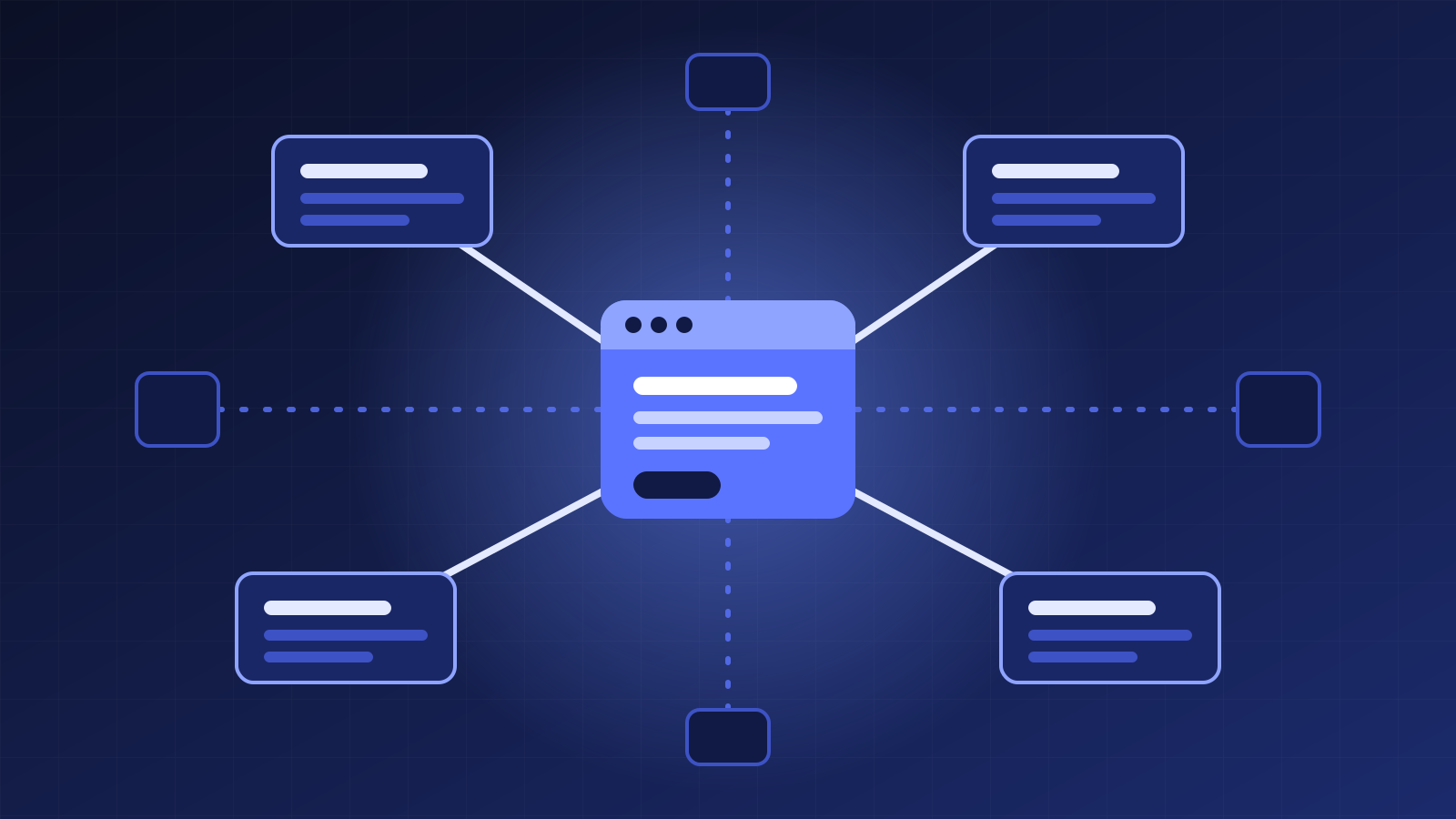
This SaaS waitlist invitation checklist covers the handoff from interested subscriber to a useful first product experience. It includes a sample invitation and a small measurement plan you can run without a large marketing team. The goal is to invite the right people into a working path, learn where they get stuck, and improve the next batch.
Start with the SaaS waitlist invitation checklist
Before the first real invitation, confirm these seven things:
- The recipient asked to hear about this product and remains eligible to receive the message.
- The product supports the job they wanted to do when they joined.
- Their invitation opens a working access or sign-up path.
- The email, landing page and checkout describe the same offer.
- The first useful action is clear and achievable.
- Your records distinguish delivery, visits, accounts, trials and payments.
- Someone will read replies and resolve problems after the send.
A waitlist is a record of interest at a moment in time. It is not proof that everyone still wants the product, has the same needs, or should receive the same invitation.
If you are still working out who the product is for, the first 100 users guide covers that earlier stage. Here, the product has a usable first experience and you are ready to invite people into it.
Choose a group you can support
Start with the people whose stated problem your current product can solve.
Suppose you built a scheduling tool. Your first version supports individual consultants, but team permissions are unfinished. Invite the consultants who need individual booking pages; hold the team requests until you can support what they expect.
Do not choose the batch size from a generic launch benchmark. Estimate the support work you can handle. If you can personally help five accounts finish setup this week, five relevant invitations may be a more useful first test than a hundred invitations you cannot follow up on.
Check current account state before selecting the audience. Someone who already started a trial should receive help with that trial, not an email announcing that they can finally join. Separate staff and test accounts from genuine prospects in your reporting.
Record why the group was selected. That note makes the results interpretable later: an invitation to five people who requested one feature tells you something different from a broad announcement to an old list.
Confirm permission and prevent duplicate messages
Read what the signup form promised when people joined. Keep the invitation within that expectation and use the recipient's current subscription and suppression status.
Check for unsubscribes, complaints and delivery failures in the sending platform. Preserve its safeguards. Do not move an address into a different list or message type merely because the original send would be blocked.
Next, look for an existing welcome or launch flow. If joining the product already triggers an onboarding message, decide which email explains access and which helps with the first task. Two messages with different prices or competing instructions create an avoidable problem.
Use a stable invitation record for each recipient and batch. Before retrying a failed send, check whether the platform accepted the first attempt. A timeout in your workflow does not prove that no email went out.
Our guide to the first four email flows can help you place the invitation alongside the messages people already receive.
Write one invitation with a concrete next step
The recipient should understand why you are writing, what they can do now, and what it will cost before they click.
Include the real trial length, any upfront charge, renewal terms and relevant limitations when those apply. “Early access” does not tell someone whether access is free, paid, limited or temporary. Avoid scarcity unless there is an actual capacity limit you can explain.
Here is a fictional example for a scheduling product called Example Scheduler. It illustrates the structure; its offer is not a MarketingBuddy offer.
Subject: Your Example Scheduler invitation is ready
Hi Sam,
You joined our waitlist to set up a booking page for your consulting work. You can now create that page and share it with clients.
This early-access version supports one booking page and one connected calendar. Team booking is not available yet.
Your invitation includes 14 days of access at no charge, with no card required. Access pauses afterward unless you choose a paid plan; the available plans are shown before you subscribe.
Create your booking page
After signing in, connect your calendar and add your availability. If something gets in the way, reply to this email and tell me which step you reached.
Alex, Example Scheduler
Use only the terms your own product really provides. Put a working destination behind the main action and include the subscription controls appropriate to the message in your sending platform.
A short email can still answer the important questions. You do not need a product history, a feature catalogue and three different buttons to get someone started.
Test the route from inbox to first useful action
Send a preview to your own test address before inviting the selected group. Then use a fresh browser session so your existing login does not hide a broken step.
Open the delivered email on a phone and a computer. Follow the actual email link through access checks, signup and any checkout step. Confirm that the offer remains consistent and that a new user can reach the first useful action without instructions you have only kept in your head.
Email links may pass through a tracking redirect. For example, Postmark documents how it wraps tracked links before forwarding visitors to the original destination. Test the delivered link, not just the URL you pasted into the editor.
Also check the unglamorous cases: an expired invitation, an already registered address, a typo in the signup form and a failed payment if payment is part of access. Each should explain what to do next.
Keep test payments and test accounts labelled. They demonstrate that the path works; they do not count as acquired customers.
Measure the invitation as a sequence of separate steps
Choose one campaign label for the batch and keep it unchanged while you review results.
For an email invitation, you might use source waitlist, medium email, and campaign early_access_batch_01. Google's campaign URL guide explains how those parameters identify incoming campaign traffic. Apply them to the incoming email link; ordinary links between pages on your site can stay clean.
Do not put recipient email addresses, access tokens or other private values into campaign labels.
Track these stages separately:
| Stage | What to record |
|---|---|
| Invited | Eligible recipients included in the actual send |
| Delivered | Messages the provider reports as accepted for delivery |
| Visited | Observed visits associated with the campaign |
| Account created | Distinct genuine accounts created after invitation |
| Trial started | Accounts that reached your defined trial-start state |
| Activated | Accounts that completed the first useful product action |
| Paid | Accounts with a verified qualifying payment |
A click is not an activated account. Delivery is not proof that someone read the message. Missing attribution is unknown, rather than evidence that the invitation produced no results.
Keep a recipient or account record with invitation time, current stage and any support issue. When connecting identities across tools, use your established account identifiers and access controls instead of putting personal information in a public reporting link.
Read replies before inviting the next group
Set a review date that gives people a reasonable chance to try the product. Account for the length of the task and trial; there is no universal number of days that makes every invitation test complete.
Review replies, delivery problems and product activity together. If several people arrive but cannot connect their calendar, investigate that step before rewriting the subject line. If the invitation reaches people who need a team feature you do not support, adjust the next group's selection.
For a fictional batch of ten invitations, imagine six observed visits, three new accounts and one activated account. Those are four different stages. They do not tell you why the other people stopped, and the sample is too small to establish a reliable conversion benchmark.
Read what the three account holders did. Answer direct questions. Prepare a relevant follow-up for people who still need it, checking eligibility and recent messages again before sending.
Capture the decision in your weekly marketing report: what happened, what remains uncertain, what you changed, and when you will check again.
Keep the workflow ready for the next invitation
Save the audience rule, approved offer, tested destination, email version and batch identifier together. When the product or price changes, update that packet before the next send.
You can ask an assistant to prepare this work: check the selected audience, draft the invitation, identify missing terms and summarize the evidence after delivery. Give it the current product facts and require it to distinguish a proposed message from one that was actually sent.
MarketingBuddy's Email agent prepares campaigns, segments and nurture flows in connected tools, with sends waiting for your approval. If that is the help you need for your next invitation, review the plans and trial terms.
The finish line for the first batch is a working invitation, a few real product journeys you can understand, and a specific improvement ready for the next group.
- SaaS waitlist invitation checklist
Let your AI run the marketing. You keep the final say.
Connect your ads, analytics, store and email, and approve every change before it goes out.